Linux Hacks: Building Volatile In-Memory Sandboxes with tmpfs
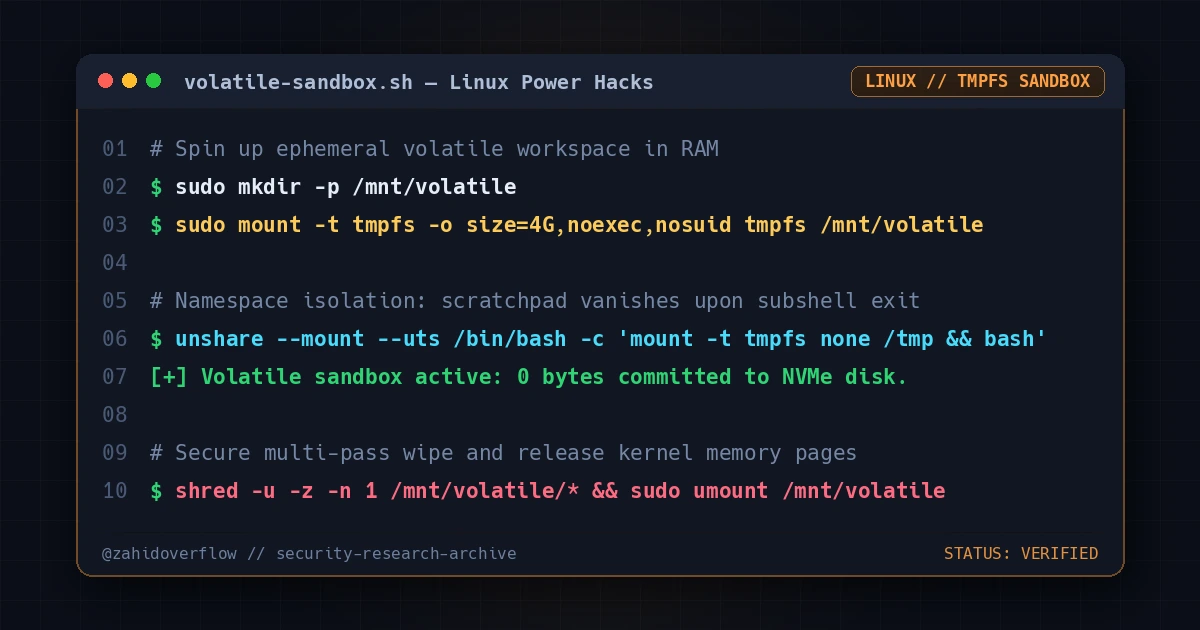
When handling untrusted binaries, analyzing malware samples, or running intensive security fuzzers, writing directly to permanent NVMe/SSD storage introduces wear, residual forensic artifacts, and unnecessary I/O overhead.
One of the cleanest Linux power-tricks is spinning up volatile, memory-backed temporary workspaces using tmpfs and Linux unshare namespaces.
1. Why tmpfs Over Traditional Ramdisk?
Unlike fixed-size ramfs mounts (which can expand uncontrollably and cause kernel OOM panics) or legacy /dev/ram0 blocks, tmpfs is dynamically allocated from page cache and swap. It only consumes RAM equal to the actual files residing inside it.
1
2
3
# Create an ephemeral 4GB workspace purely in RAM
sudo mkdir -p /mnt/volatile
sudo mount -t tmpfs -o size=4G,noexec,nosuid,nodev tmpfs /mnt/volatile
The mount flags provide instant security hardening:
noexec: Prevents direct execution of rogue binaries within the staging area.nosuid: Ignores SUID/SGID bits.nodev: Prevents block or character device creation inside the directory.
2. Ephemeral Sandboxing with unshare
Combine tmpfs with Linux namespaces (unshare) to run an isolated shell where changes evaporate the second the subshell exits:
1
2
3
4
5
6
7
#!/usr/bin/env bash
# Quick volatile sandbox launcher
unshare --mount --uts /bin/bash -c "
    mount -t tmpfs none /tmp
    echo '[+] Ephemeral scratchpad ready. All files will vanish upon exit.'
    /bin/bash
"
3. Auto-Wiping Volatile Workspaces
To ensure that even volatile memory is wiped cleanly upon unmounting without leaving sensitive traces in unallocated memory pages:
1
2
3
# Securely overwrite before unmounting
find /mnt/volatile -type f -exec shred -u -z -n 1 {} +
sudo umount /mnt/volatile
Simple, fast, and completely contained within system memory—a staple utility for security research workstations.